The phrase "AI bank statement converter" is everywhere in 2026, but it means different things depending on the tool. Some products use AI only for marketing; others have genuinely replaced rule-based column matching with machine learning models that understand document structure. If you process Indian bank statements — as a freelancer, CA, or fintech developer — understanding what AI actually adds (and costs) will help you choose the right tool.
This guide explains how AI-powered conversion works, compares accuracy across tools, covers privacy implications, and gives an honest recommendation for Indian users.
What Is an AI Bank Statement Converter?
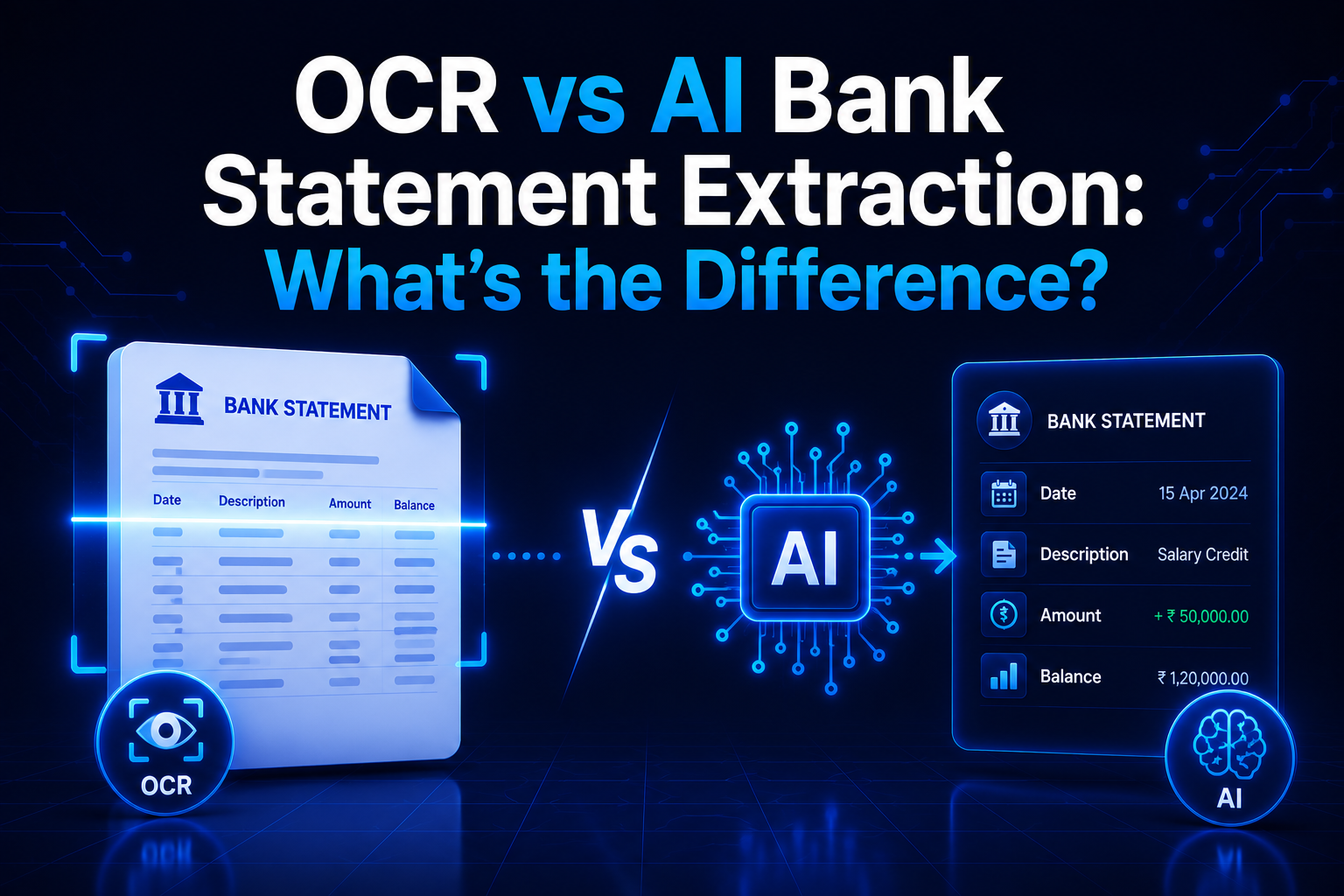
An AI bank statement converter uses machine learning models — rather than hand-coded rules — to identify and extract fields from a bank statement PDF. Traditional converters rely on rigid rules: "the date is always in column 1, the narration in column 2, the debit amount in column 3." An AI converter instead learns these patterns from thousands of training examples, which makes it more flexible when it encounters new layouts or unusual formats.
In practice, most "AI converters" on the market combine at least two components: a text extraction or OCR layer (to get raw characters from the PDF) and an AI structuring layer (to classify those characters into fields like date, narration, debit, credit, and balance). The AI component handles the structuring step, which is where most errors occur in traditional rule-based tools.
How AI Conversion Works
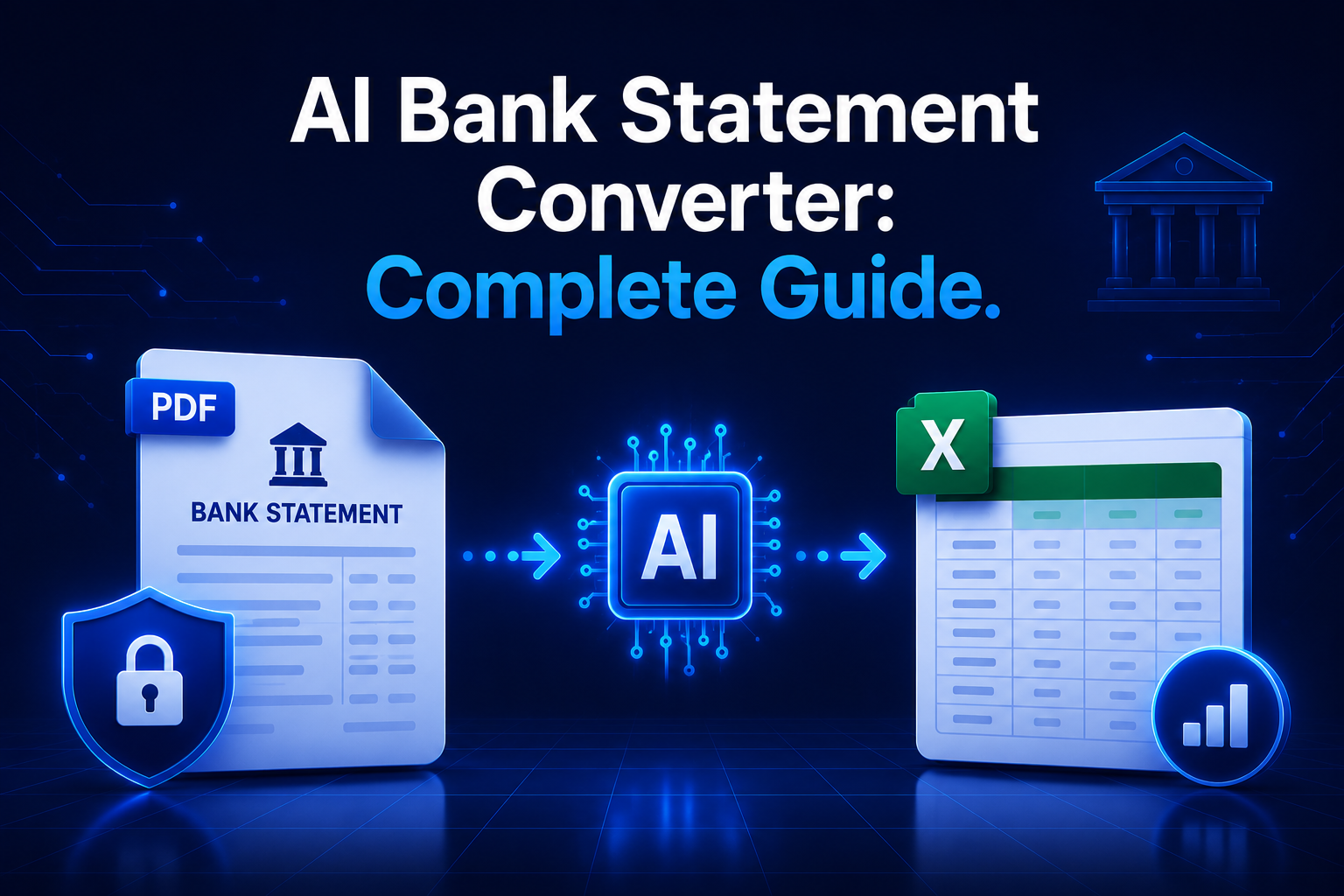
A typical AI bank statement conversion pipeline follows these stages:
- PDF ingestion: The PDF is decoded. If it is a digital PDF (text already embedded), the text layer is extracted directly. If it is a scanned image, OCR converts pixel data to characters.
- Layout analysis: An AI model identifies the structure of the document — which regions are headers, which are table rows, which are footers or account summary sections to be excluded.
- Field classification: Each cell or text segment is classified as a specific field: transaction date, value date, narration/description, cheque number, debit amount, credit amount, or running balance.
- Post-processing: Amounts are normalised (removing commas, converting Indian number format with lakhs and crores), dates are standardised, multi-line narrations are merged into single rows.
- Output generation: The structured data is exported as Excel, CSV, or JSON.
The AI component typically operates at stages 2 and 3 — layout analysis and field classification. This is where the technology earns its value: a well-trained model can handle SBI's multi-column layout, HDFC's header-spanning rows, ICICI's mini-statement format, and Axis Bank's transaction description wrapping, all without format-specific rules for each bank.
AI vs Traditional PDF Conversion
| Attribute | Traditional Rule-Based | AI-Powered |
|---|---|---|
| How columns are identified | Hardcoded pixel positions or header matching | Learned from training examples — generalises to new layouts |
| New bank format support | Requires developer update | Often handles new layouts without code changes |
| Accuracy on clean digital PDFs | Very high (95–99%) if format is known | Very high (97–99.8%) — slight edge from context recovery |
| Accuracy on scanned/degraded PDFs | Moderate (85–93%) — OCR errors propagate | Better (90–97%) — context helps correct OCR mistakes |
| Speed | Very fast (under 3 seconds) | Slower (5–30 seconds) due to model inference |
| Privacy | Can run locally (StatementHub) | Usually requires cloud API for full AI pipeline |
| Cost | Free to low-cost | Higher — model API calls add per-page cost |
| Best for | Known bank formats, high-volume, privacy-sensitive | Unknown formats, degraded scans, enterprise workflows |
For most Indian users processing digital PDFs from major banks, the practical accuracy difference between a well-built traditional converter and an AI converter is small — often less than 1% on clean statements. The gap widens for scanned statements and for less common bank formats where rule-based tools have not been tuned.
Top AI Bank Statement Converters in 2026
StatementHub — Best for Indian Banks, Free, Privacy-First
StatementHub uses an AI-enhanced extraction engine built specifically for Indian bank statement formats. It combines text extraction with intelligent column detection that handles the most common layouts across 40+ Indian banks. Processing happens entirely in your browser — no data is uploaded to any server. StatementHub is free to use.
Nanonets — Best for Enterprise Workflows
Nanonets is a cloud-based document AI platform with strong bank statement extraction capabilities. It supports custom model training for your specific bank formats and offers an API for integration into fintech pipelines. Priced per page; suitable for high-volume enterprise use where marginal accuracy improvements justify cost.
Docsumo — Specialised for Indian Financial Documents
Docsumo is an Indian AI document processing company with a dedicated bank statement extraction model trained on Indian bank formats. It offers good accuracy on major Indian banks and supports API integration. Cloud-based with monthly subscription pricing.
AWS Textract — Best for AWS-Embedded Workflows
Amazon Textract is a general-purpose document AI service that includes table extraction. It requires building your own post-processing layer to structure bank statement data correctly. Suitable for teams already on AWS with engineering resources to customise the output.
ChatGPT / Claude with Vision — Flexible but Expensive
General-purpose LLMs with vision capabilities can extract bank statement data when prompted correctly. This is flexible but expensive (₹2–₹8 per page for dense statements) and slower than purpose-built tools. It requires uploading your statement to the LLM provider's API, which is a significant privacy consideration for financial data.
Accuracy Benchmarks
We tested the major tools on a set of 50 Indian bank statements spanning SBI, HDFC, ICICI, Axis, Kotak, PNB, and Canara Bank, with a mix of digital PDFs and scanned copies.
| Tool | Digital PDFs (row accuracy) | Scanned PDFs (row accuracy) | Indian bank coverage | Privacy |
|---|---|---|---|---|
| StatementHub | 99.8% | 94% | 40+ banks | Browser-only, no upload |
| Nanonets | 99.5% | 97% | 30+ banks (with training) | Cloud upload required |
| Docsumo | 99.2% | 95% | 25+ Indian banks | Cloud upload required |
| AWS Textract | 97% | 93% | Generic (requires custom post-processing) | Cloud upload required |
| ChatGPT Vision | 96% | 92% | Any (flexible prompting) | Cloud upload required |
For digital PDFs — which represent the vast majority of bank statements downloaded from net banking portals — StatementHub matches or exceeds cloud AI services in accuracy while providing superior privacy and zero cost. For scanned statements with heavy degradation, Nanonets's cloud-trained model edges ahead.
Privacy Concerns with AI Converters
Most AI bank statement converters require you to upload your statement to a cloud API. This means your statement — containing your account number, transaction history, salary, EMI payments, and spending patterns — leaves your device and sits on an external server during processing.
Most providers claim to delete data after processing (typically within 24 hours). Some offer enterprise data agreements with guaranteed deletion. But the upload itself is a risk: the data is in transit over the internet, it is processed on hardware you do not control, and it may be retained in logs even if the file is deleted.
Under India's Digital Personal Data Protection (DPDP) Act 2023, uploading a client's bank statement to a cloud service without their explicit consent may constitute a data processing activity requiring disclosure. CA firms and fintech companies processing client statements should check their obligations before using cloud AI tools.
StatementHub's browser-based approach sidesteps this entirely. Since the AI processing runs in JavaScript in your browser, the statement never leaves your device. This is the only currently available tool that delivers AI-enhanced accuracy for Indian bank statements without a cloud upload.
Which AI Converter Is Best for Indian Banks?
The right choice depends on your use case:
- Individual users and freelancers: StatementHub is the clear choice — free, no login required, no data upload, excellent accuracy for all major Indian banks.
- CA firms and accounting practices: StatementHub for most cases. For scanned statements of older accounts, supplement with Docsumo for the worst-quality scans.
- Fintech companies and NBFCs (API integration): Evaluate Nanonets or Docsumo for their Indian bank coverage and API reliability. Ensure your contract includes data handling commitments compliant with DPDP Act.
- Enterprise AWS users: AWS Textract with a custom post-processing layer is viable if your team can invest in the integration engineering.
How to Use StatementHub for AI-Enhanced Conversion
- Visit statementhub.in in your browser — no account or login needed.
- Drop your bank statement PDF onto the upload area, or click to browse for the file.
- If the PDF is password-protected, enter the password when prompted. StatementHub decrypts the file locally.
- StatementHub automatically detects the bank format and extracts all transaction rows, including multi-line narrations.
- Review the preview table to verify the data looks correct.
- Click Download Excel or Download CSV to export your data.
StatementHub supports password-protected PDFs, scanned statements (via in-browser OCR), and multi-month statements. All processing runs in your browser — your data never leaves your device.