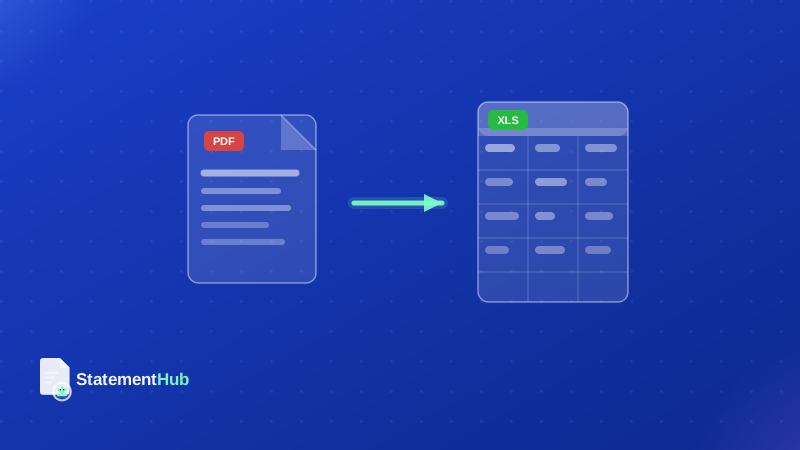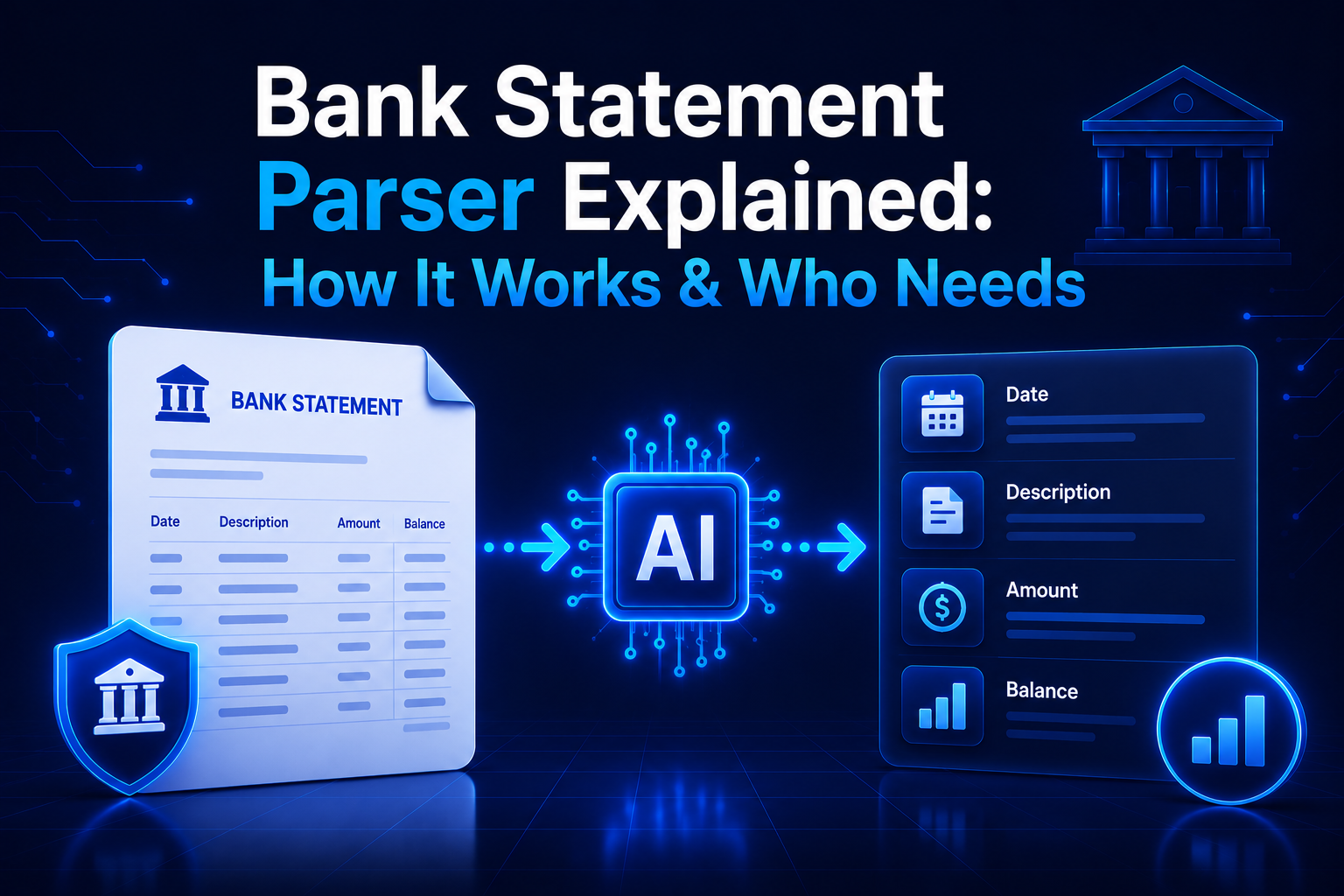
A bank statement as it comes from your bank — a PDF of neatly formatted rows — is readable to a human but opaque to software. To a computer, that PDF is a collection of positioned text elements, not a structured dataset. A bank statement parser is the software bridge between those two states: it takes a raw bank statement PDF and returns clean, structured data that software can query, aggregate, and analyse.
Parsing bank statements is one of the most common data extraction challenges in Indian fintech, accounting, and personal finance. This guide explains exactly how it works, what makes it hard, and how to choose the right tool for your needs.
What Is a Bank Statement Parser?
A bank statement parser is software (or a service) that ingests a bank statement in PDF, image, or Excel format and outputs structured transaction data — typically as a table with columns like date, description, debit amount, credit amount, and running balance.
The word "parser" comes from computer science, where parsing means analysing a stream of tokens to extract structured meaning according to a grammar. Bank statement parsing is analogous: the raw text of a statement is the input stream, the transaction table is the grammar, and the structured rows are the output.
Bank statement parsers range from simple scripts that handle a single bank's fixed layout, to sophisticated AI-powered services that generalise across hundreds of bank formats globally. For Indian users, the relevant parsers are those trained specifically on Indian bank statement formats — which have unique characteristics not covered by international tools.
How Bank Statement Parsing Works
At a technical level, parsing a digital bank statement PDF involves three main steps:
- Text extraction: The PDF's internal data structure contains text elements, each with a position (x, y coordinates), a font, and a size. A PDF parsing library (like pdf.js, PyMuPDF, or pdfminer) reads these elements and returns a flat list of positioned text fragments.
- Layout reconstruction: The positioned text fragments are grouped into lines and then into table cells based on their vertical and horizontal proximity. This step must handle merged cells, multi-line narrations, and rows that span across a page break.
- Field identification: Each reconstructed cell is matched to a semantic field — date, narration, cheque number, debit, credit, balance. Rule-based parsers use column position or header matching; AI-based parsers use trained classification models.
The hardest step is layout reconstruction. Bank statement PDFs are not created from HTML tables; they are generated by banking software that positions each text element individually. There is no "table structure" in the PDF — the parser must infer it from text positions. This is why simple PDF-to-text tools fail on bank statements: they extract the characters but lose the column relationships.
Key Fields a Parser Extracts
A well-built bank statement parser extracts and normalises the following fields from each transaction:
| Field | Description | Normalisation Required |
|---|---|---|
| Transaction Date | Date the transaction occurred | Standardise to YYYY-MM-DD from DD/MM/YYYY, DD-MM-YY, etc. |
| Value Date | Date the amount was credited/debited to your account (may differ) | Same date normalisation |
| Narration / Description | Transaction description — can include UPI ID, merchant name, cheque number | Merge multi-line narrations into single field |
| Cheque / Ref Number | Cheque number or reference number for the transaction | Extract from narration if not in separate column |
| Debit Amount | Money leaving the account | Remove commas, convert Indian number format (₹1,50,000 → 150000) |
| Credit Amount | Money entering the account | Same as debit normalisation |
| Running Balance | Account balance after this transaction | Normalise amount format |
| Transaction Type | Inferred: UPI, NEFT, RTGS, IMPS, ATM, Cheque, etc. | Classified from narration text |
Some parsers also extract account-level metadata: account holder name, account number, IFSC code, branch, statement period, and opening and closing balances. This metadata is useful for reconciliation and for verifying that the correct statement has been processed.
Parsing Digital PDFs vs Scanned PDFs
The parsing approach differs significantly depending on whether the source PDF is digital or scanned:
Digital PDFs
Digital PDFs are generated directly by banking software and contain an embedded text layer. The text characters are already machine-readable; parsing is purely a layout and field classification problem. Modern parsers achieve 99%+ accuracy on digital PDFs from major Indian banks. This covers virtually all statements downloaded from net banking portals.
Scanned PDFs
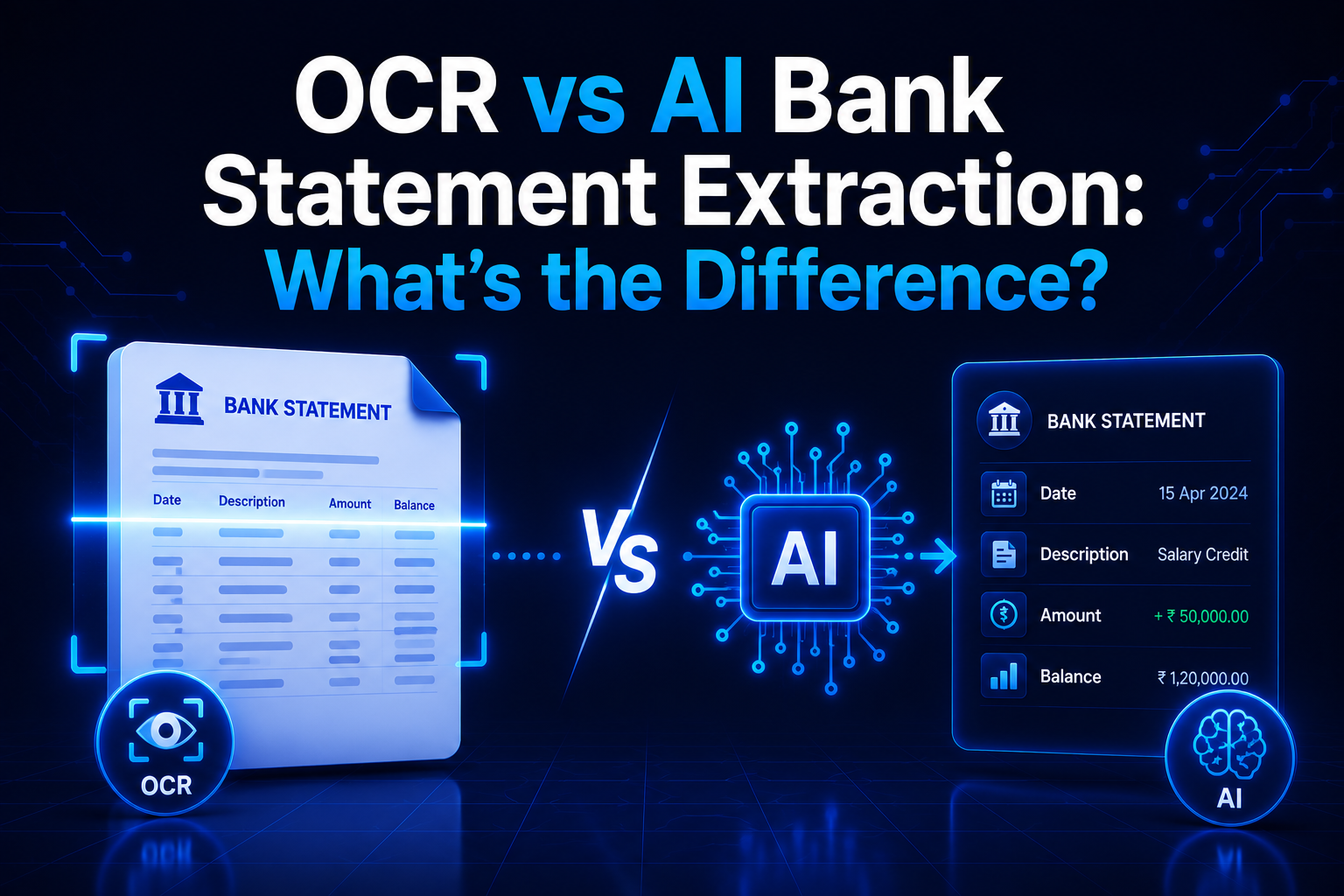
Scanned PDFs are photographs of printed statements converted to PDF. There is no embedded text — only image pixels. Parsing requires an OCR step first to convert pixels to characters, followed by the same layout reconstruction and field classification. OCR accuracy depends on scan quality: 300 DPI clean scans achieve 96–98% character accuracy; lower quality scans drop further.
Scanned statements are most common for older bank records, passbook printouts, and statements from smaller cooperative banks that do not issue digital PDFs. For these, AI-enhanced parsers that use context to correct OCR errors (e.g., recognising that "l,50,000" must be "1,50,000") provide meaningfully better accuracy than pure OCR-plus-rules approaches.
If you have both a scanned copy and access to net banking, always download a fresh digital PDF from the net banking portal. Digital PDFs parse faster and more accurately than scanned copies every time.
Use Cases: Who Needs a Bank Statement Parser?
Chartered Accountants and Tax Professionals
CA firms process hundreds of client bank statements every year for tax filing, audits, and financial planning. Manual data entry from PDFs is error-prone and time-consuming. A parser lets the CA team import transaction data directly into Tally, Excel models, or accounting software — reducing per-client processing time from hours to minutes. StatementHub is designed exactly for this workflow.
Fintech Lending (Credit Underwriting)
NBFCs and digital lenders request bank statements during loan applications to assess creditworthiness. A parser extracts the transaction history, enabling automated calculation of average monthly balance, salary credits, EMI payments, and spending patterns. This powers real-time credit decisions without manual review. Parsers used in this context must handle all major Indian bank formats with high reliability.
Personal Finance and Expense Tracking
Individuals who want to analyse their spending, track savings, or build a personal budget often start by converting bank statements to Excel. A parser makes this trivial — download your statement, run it through StatementHub, and your transactions are in a spreadsheet ready for pivot tables, charts, and filters.
Business Accounting and Reconciliation
Small businesses reconcile their bank statements against invoices and accounting records monthly. A parser that converts statements to Excel enables semi-automated reconciliation using VLOOKUP or Excel's built-in reconciliation features, compared to fully manual comparison against printed PDFs.
Forensic Accounting and Legal Discovery
In disputes and fraud investigations, bank statements from multiple periods and accounts may need to be compiled into a single dataset. A reliable parser enables bulk conversion and dataset construction that would be impractical to perform manually across years of statements.
Bank Statement Parsing in India: Unique Challenges
Indian bank statements present several challenges that international parsing tools often fail to handle:
- Indian number format: Indian banks use the lakh-crore system with commas placed differently from the Western thousand-separator format (₹1,50,000 vs $150,000). Parsers must handle both formats, including amounts written as "1,50,000.00" and "150000".
- Date format variation: Indian banks use DD/MM/YYYY, DD-MM-YYYY, DD-MM-YY, D-MMM-YYYY (1-Jul-2026), and DDMMYYYY — sometimes inconsistently within the same statement.
- Multi-bank formats: India has 50+ scheduled commercial banks plus hundreds of cooperative and regional rural banks, each with its own statement layout. Comprehensive Indian coverage requires format-specific handling or a model trained on Indian data.
- UPI narration clutter: UPI transactions generate verbose narrations like "UPI/CR/123456789012/SBIN0/From: 9876543210/Ref:987654321012". Parsers should extract the counterparty name or UPI ID from this string rather than storing the entire unwieldy narration.
- Password-protected PDFs: Nearly all major Indian banks issue password-protected statements by default. Parsers targeting Indian users must handle PDF decryption before extraction — either by accepting the password or by processing pre-unlocked files.
- Multi-page statements: Annual statements can span 20–50 pages with headers and footers repeated on each page. Parsers must recognise repeated headers as structural elements (not transactions) and merge the data across pages correctly.
How to Choose the Right Parser for Your Needs
The right parser depends on three factors: your input volume, your required output format, and your privacy requirements.
| Use Case | Recommended Approach | Why |
|---|---|---|
| Individual, occasional use | StatementHub (browser tool) | Free, no login, handles passwords, browser-based privacy |
| CA firm, batch processing | StatementHub for most; supplement with Docsumo for degraded scans | Good accuracy, no data upload, zero cost for StatementHub |
| Fintech/NBFC, API integration | Nanonets or Docsumo with enterprise data agreement | API access, high volume pricing, Indian bank coverage |
| Developer building own solution | pdf.js or PyMuPDF for text extraction + custom field classifier | Full control; use open-source foundation with custom logic |
| Scanned archive conversion (bulk) | PaddleOCR or Tesseract + StatementHub for digital output | Free OCR foundation; StatementHub for final structuring |
StatementHub: Free Parser for Indian Banks
StatementHub is a purpose-built bank statement parser for Indian banks. It handles digital PDFs, scanned PDFs, and password-protected files from 40+ Indian banks. Processing runs entirely in your browser — your statement never leaves your device.
The parser extracts all standard transaction fields (date, narration, debit, credit, balance), normalises Indian number and date formats, strips repeated page headers, merges multi-line narration rows, and outputs a clean, structured Excel or CSV file ready for analysis or import into accounting software.
- Open statementhub.in in any modern browser.
- Drop your bank statement PDF onto the page.
- Enter the PDF password if prompted (the parser decrypts locally).
- Review the extracted transaction preview.
- Download as Excel or CSV.
StatementHub is free to use with no account required. It supports SBI, HDFC, ICICI, Axis, Kotak, PNB, Canara Bank, Bank of Baroda, Yes Bank, IndusInd, and 30+ more Indian bank formats — including regional and cooperative banks.